Formatted Markdown
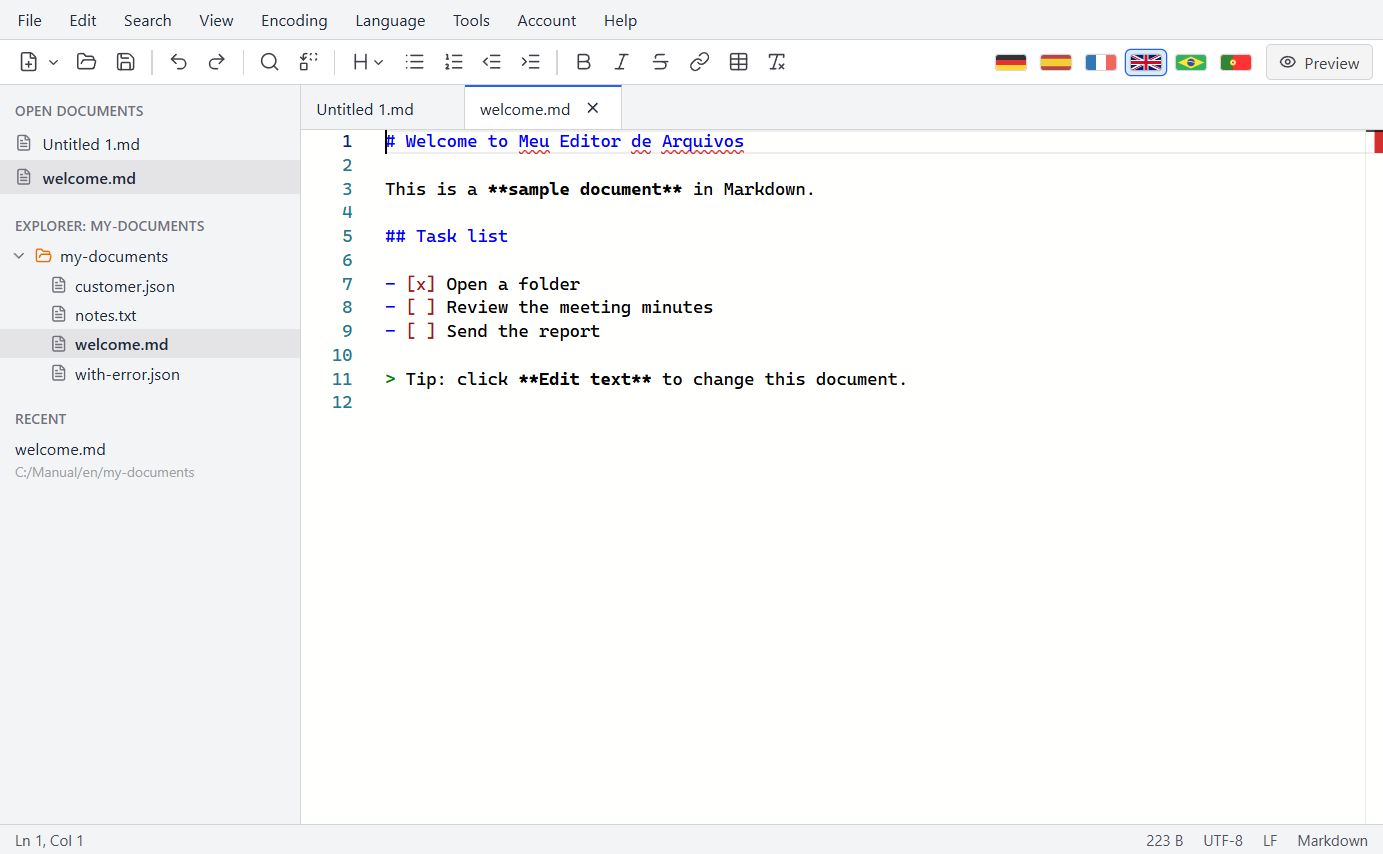
.md files open formatted and editable. Headings, lists, bold, links and tables from the toolbar, and one click shows the plain text.
Edit formatted Markdown, scripts, logs, JSON and source code in more than 30 languages. Fast, works offline and free for Windows and Linux.
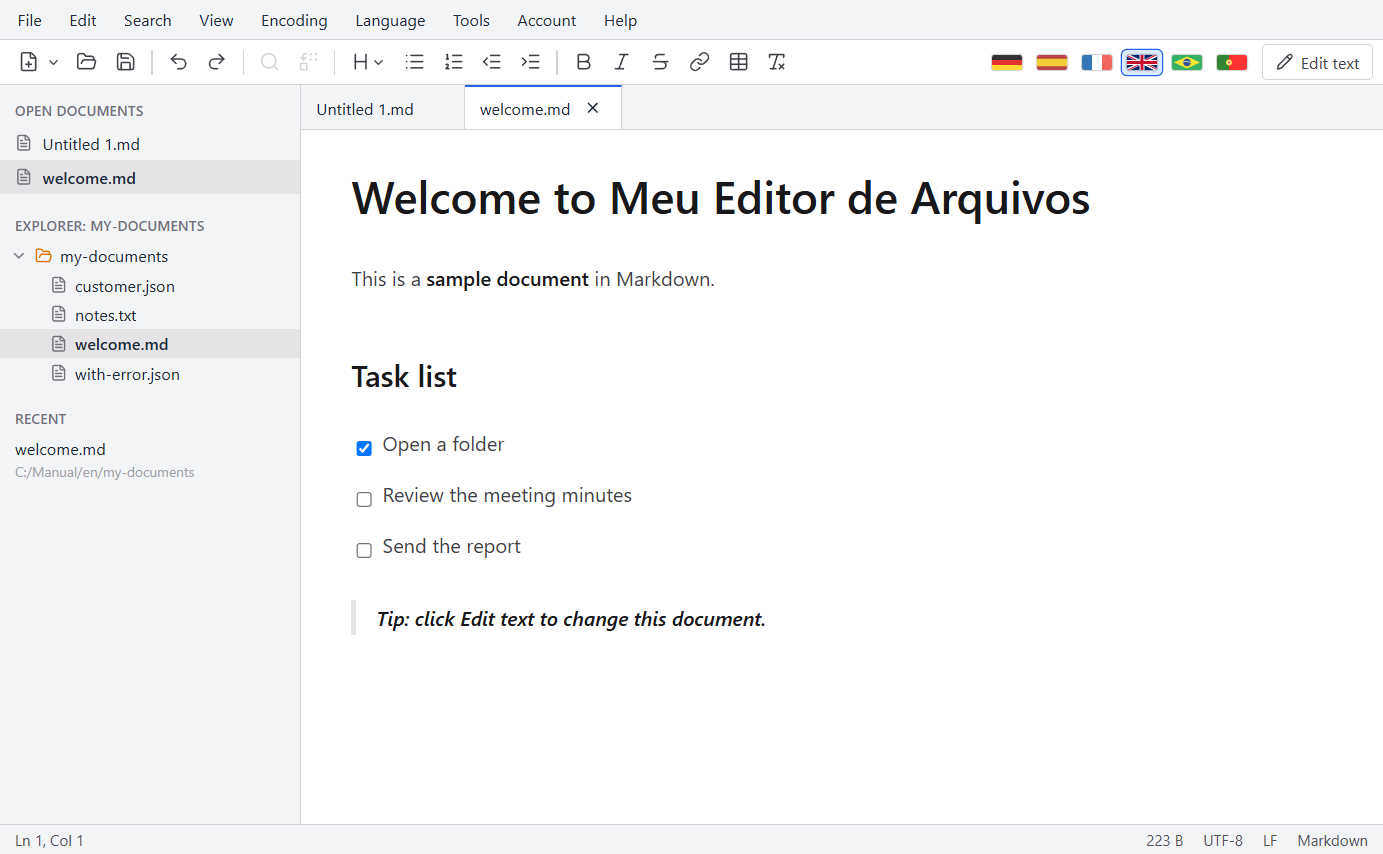
.md files open formatted and editable. Headings, lists, bold, links and tables from the toolbar, and one click shows the plain text.
Syntax highlighting, code folding, multiple cursors and column selection for Python, C#, Java, JavaScript, PHP, Go, Rust and many more.
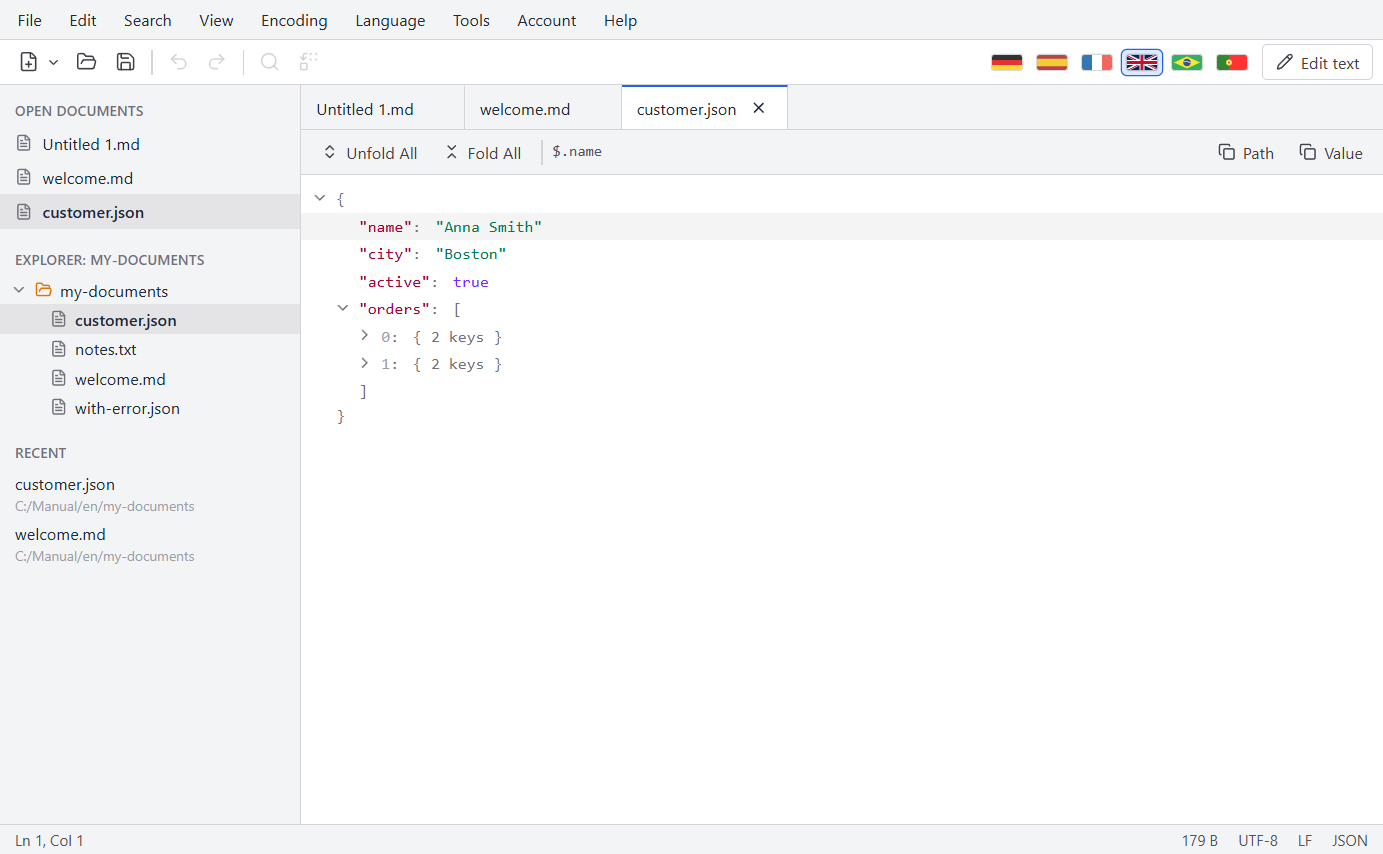
View JSON files as a tree you can expand and collapse, and spot syntax errors instantly with the exact line.
Find and replace with regular expressions in the document or across a whole folder, without freezing the app.
Spell checking in six languages with built-in dictionaries, in Markdown, text and LaTeX, no internet required.
Create an account and keep your files in cloud folders. Your tabs and unsaved text show up on your other computers.
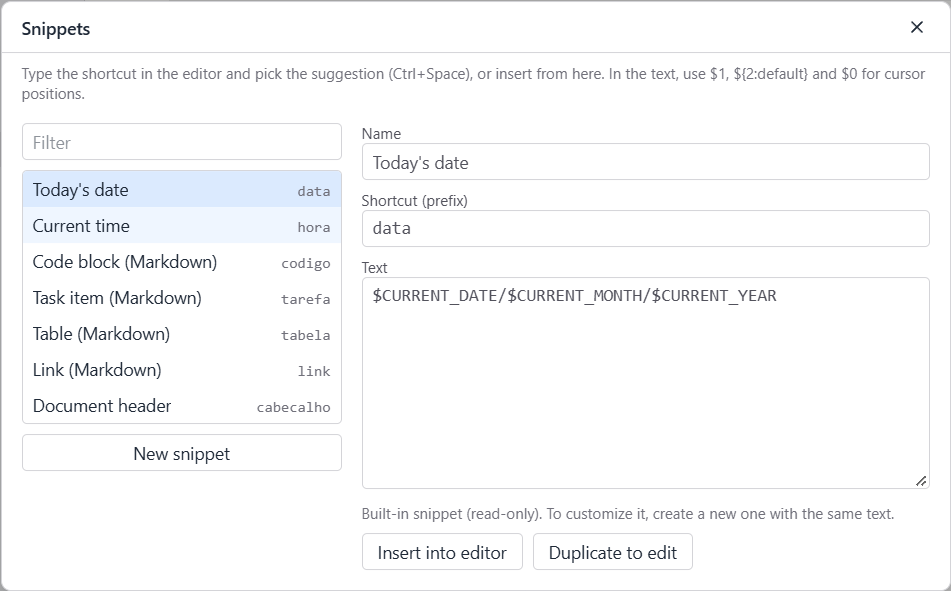
Record editing sequences and replay them with a shortcut. Keep pieces of text and code to reuse.
Close the app without worry: your documents, including unsaved text, come back as they were the next time you open it.
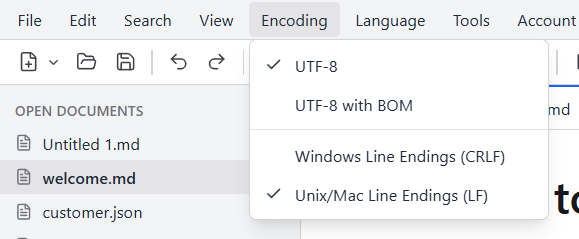
Open large files, convert encodings and line endings, show spaces and tabs, sort lines and remove duplicates. All in an app that is isolated from the system and only touches the files you choose.
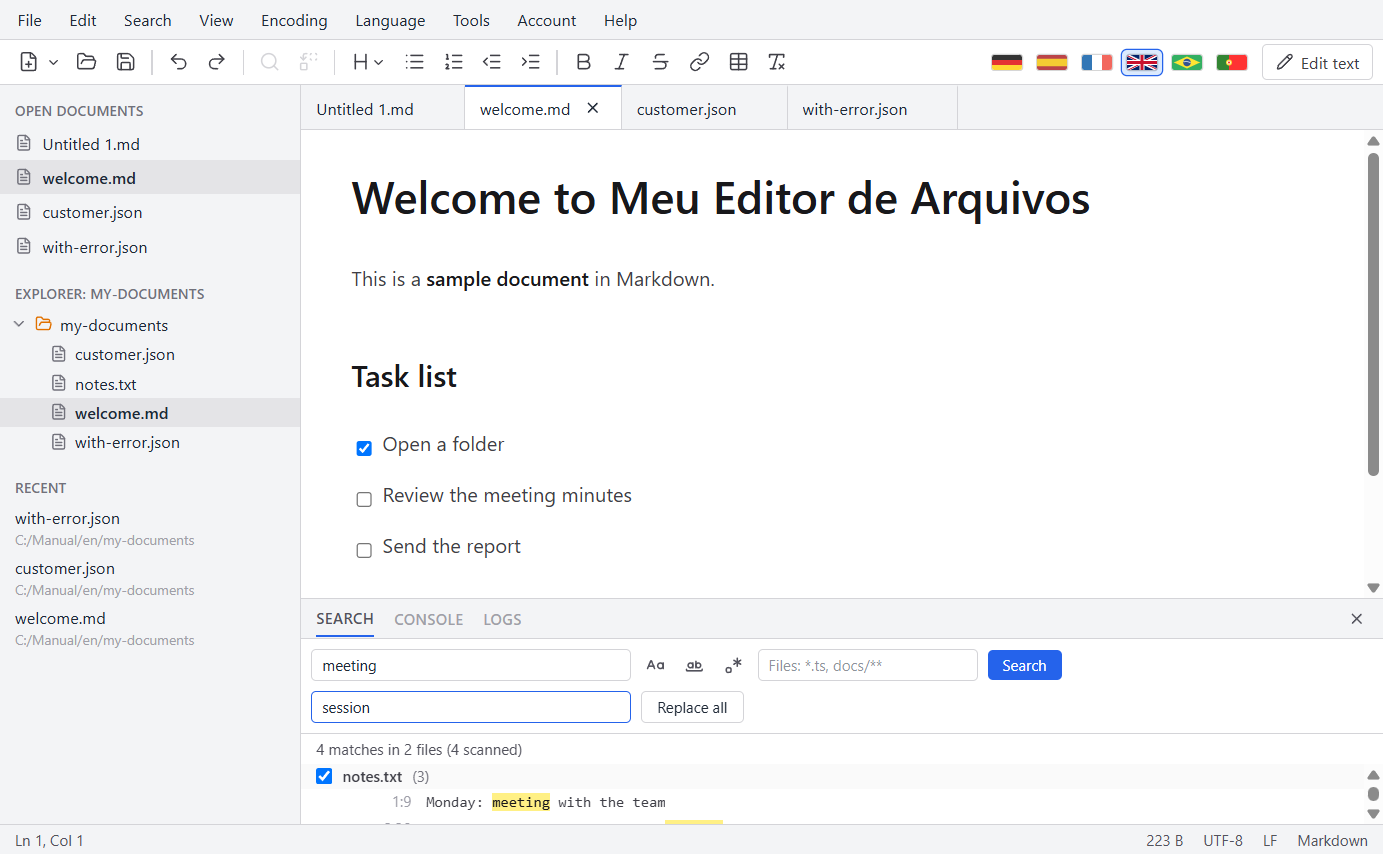
Markdown appears formatted as you type. When you need full control, switch to the text with one click or Ctrl+Shift+E.
JSON files become a navigable tree, and syntax highlighting makes YAML, TOML, INI, SQL and XML easy to read and fix.
When you are signed in, open and save use the cloud. Create folders, drag files between them and find the same tabs on another machine.
Open technical support
Yes. The app is free and open source under the MIT license. The code is available on GitHub.
No. Editing, search, spell checking and every local feature work offline. The internet is only used for the account and the cloud, if you want them.
Windows 11 (64-bit), Debian 12 and 13, Ubuntu 22.04, 24.04 and later, and derived distributions.
The app only accesses the files and folders you open. In the cloud, passwords are stored hashed and each account only sees its own files.